How to Remove Brake Debris: Fast DIY Fix for Scraping
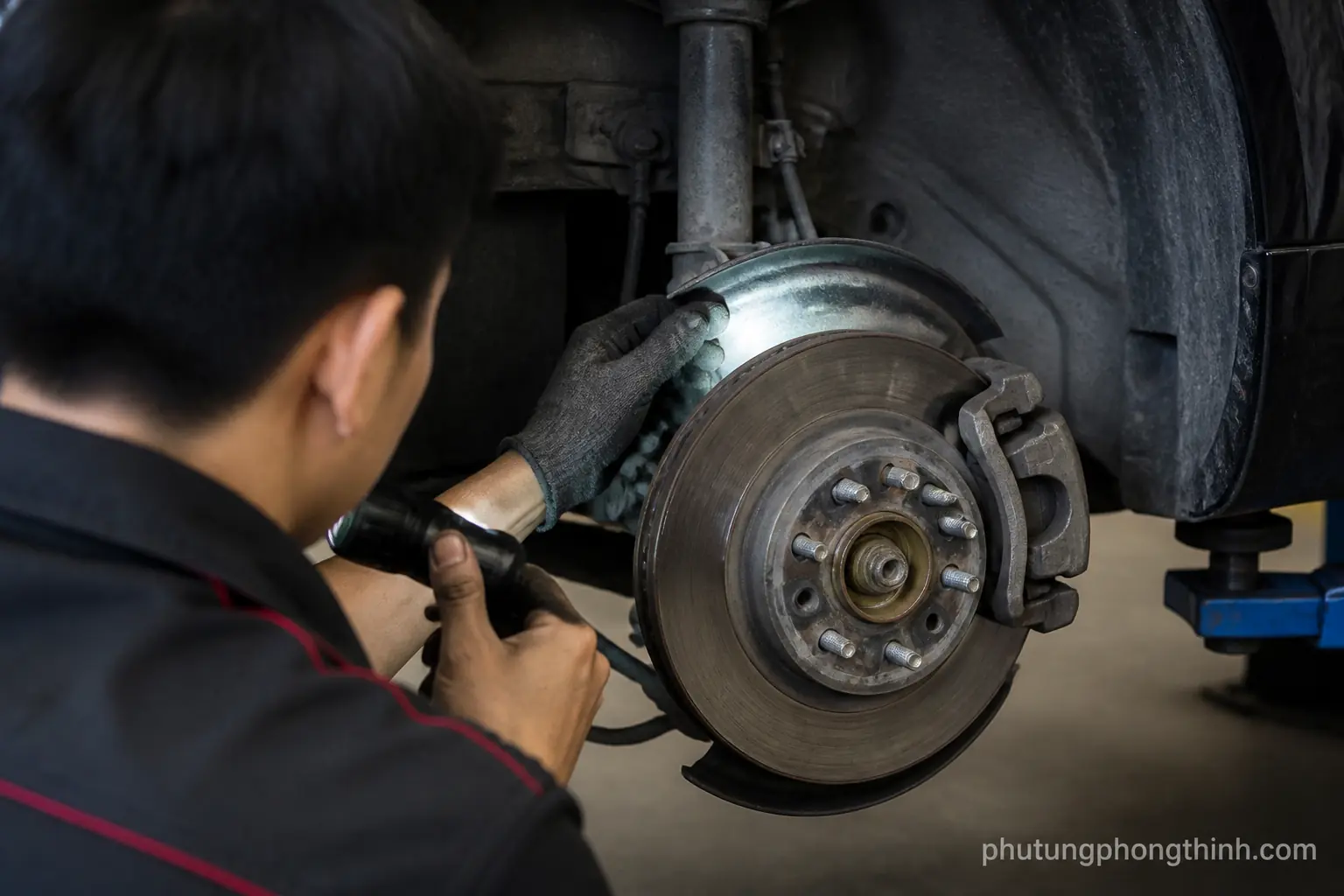
How to remove brake debris from scraping brakes
If you are trying to figure out how to remove brake debris, the first step is understanding what is actually making the brakes scrape. Small rocks, brake dust buildup, rust flakes, or loose brake hardware can get caught around disc brakes and create a scraping or grinding noise. In some cases it is just light dust; in others, debris is rubbing the rotor, dust shield, or backing plate and needs attention right away.
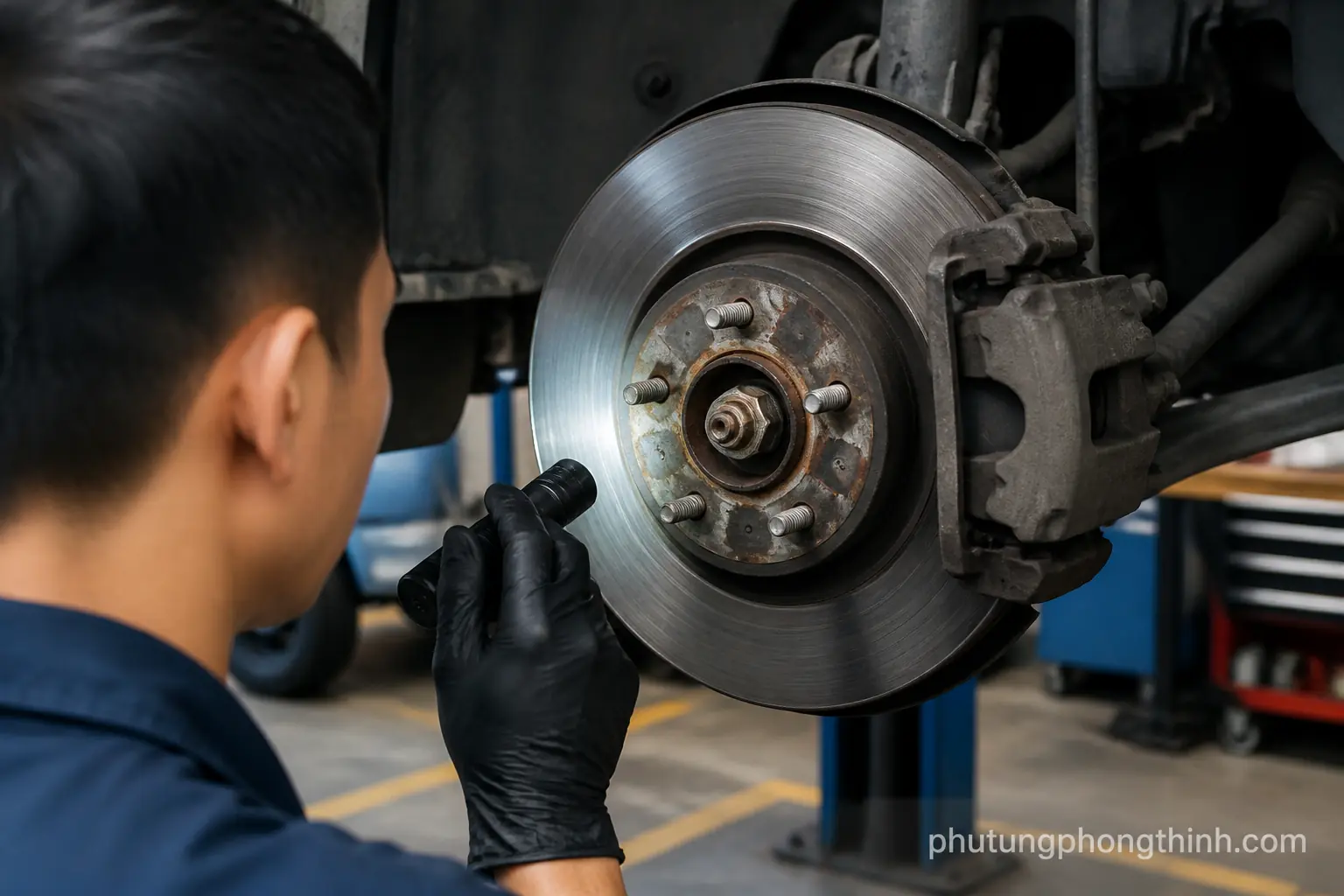
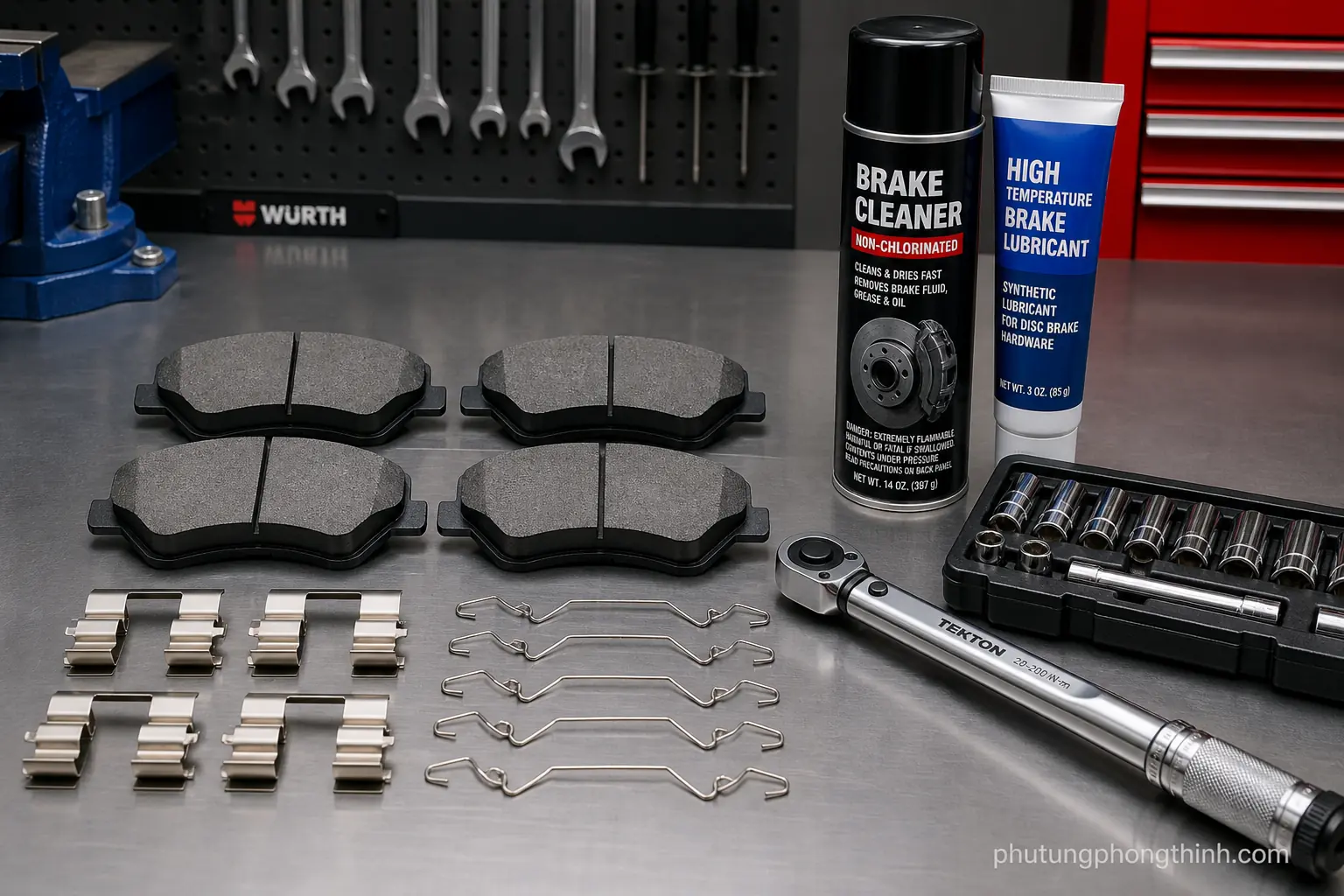
Park safely on level ground and let the brakes cool before you start. Gather a flashlight, jack stands, gloves, brake cleaner, and a brush, then remove the wheel so you can inspect the brake area properly. That gives you a clear view of the rotor, caliper bracket, and nearby shielding without guessing from the outside.
Find the source of the brake scraping noise

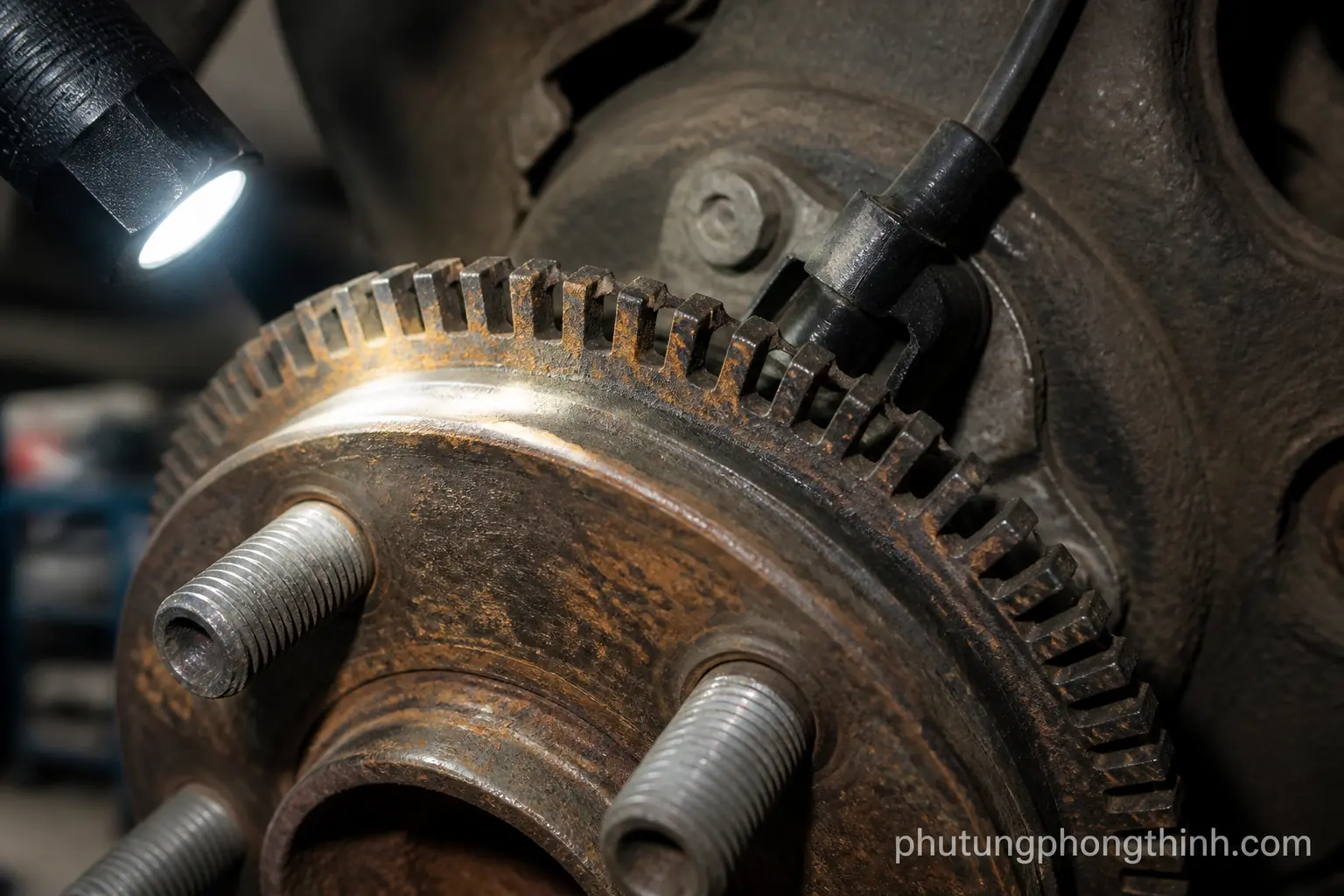
Use a flashlight to check for a rock trapped in the rotor area or between the rotor and dust shield. Inspect the backing plate to see whether it is touching the rotor, and look for worn brake pads, damaged anti-rattle clips, or loose brake hardware that could be making the noise.
- Spin the rotor by hand and listen for scraping, grinding noise, or a chirping sound.
- Look for rotor grooves, uneven pad wear, or a bent dust shield rubbing the rotor.
- Decide whether the problem looks like simple debris or something that needs deeper brake service.
If the sound changes as the rotor turns, that usually points to something physically contacting the brake parts. Light rubbing from a slightly shifted shield can be minor, but repeated grinding or visible damage means the issue is probably more than debris.
Remove debris and clean the rotor area

Start with a brush and flashlight to remove loose brake dust and visible grit from the rotor area. Carefully dislodge small debris from behind the caliper bracket and around the edge of the rotor, then use brake cleaner on dirty surfaces while trying to avoid contaminating the pads.
- Gently reposition a dust shield or backing plate only if it is slightly bent.
- Avoid prying on sensitive brake hardware or forcing the rotor.
- Recheck rotor rotation after cleaning to make sure the scraping stopped.
Keep the motion controlled and light. The goal is to clear the brake dust and trapped debris without creating a new problem in the caliper bracket, rotor, or shield.
What to inspect if the noise comes back
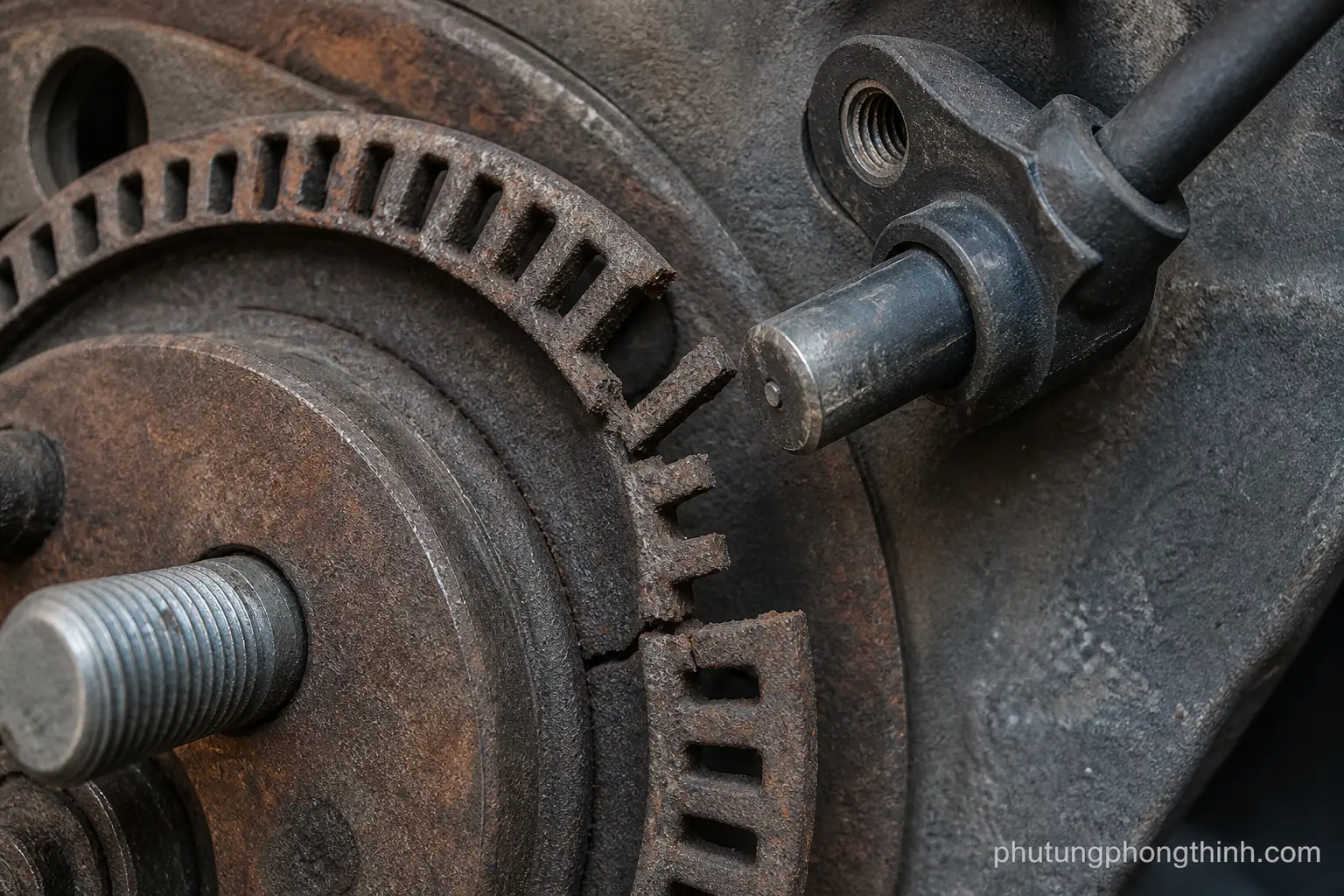
If the noise returns, inspect the brake pads for low thickness or uneven wear, and check whether the anti-rattle clips and caliper bracket still fit correctly. Also look for stuck caliper slides or corrosion that can keep the pads contacting the rotor even after the debris is gone.
- Persistent grinding noise can mean pad or rotor damage.
- Service is recommended if the rotor is scored, warped, or the dust shield keeps rubbing.
- Repeated debris issues may point to worn brake hardware.
In that case, cleaning is only a temporary fix. If the rotor surface is already damaged or parts are sticking, the brake system may need repair instead of another cleaning pass. the right transmission torque converter is the kind of part owners may consider when a deeper mechanical issue is found during broader vehicle diagnosis.
How to prevent brake debris and scraping noise
The best way to prevent brake debris from turning into scraping noise is regular inspection. Check disc brakes during tire rotations or oil changes, keep the wheel well and rotor area reasonably clean, and replace worn brake pads and tired hardware before they start making noise.
Drive carefully on gravel or rough roads when possible, and pay attention to any sudden squeal or chirping sound before it becomes grinding. If braking noise changes suddenly, schedule a brake inspection early instead of waiting for a bigger repair.
When brake noise is not just debris
Sometimes the problem is no longer a simple cleaning job. Rotor damage, worn pads, or failing caliper parts can all create metallic grinding or vibration, and cleaning will not fix a mechanical failure. If the brakes still feel unsafe or noisy after debris removal, the system needs a proper diagnosis.
Get immediate inspection if the noise persists after cleaning, especially if braking performance changes. At that point, questions like when to replace brake pads and how to inspect disc brakes become part of a larger repair decision, not just a quick cleanup. a genuine replacement turbo may be relevant only when the noise points beyond the brakes and into a broader under-hood issue.
Frequently Asked Questions
Can I drive with a rock stuck in the brakes?
A small rock can sometimes cause only a light scraping sound, but it should be removed as soon as possible. Driving too long can score the rotor, damage the dust shield, or wear the brake pads unevenly.
How do I know if brake noise is from debris or worn parts?
Debris usually causes a sudden scraping or chirping sound that may change as the rotor spins. Worn parts are more likely if you hear constant grinding, feel vibration, or see uneven pad wear, rotor grooves, or damaged hardware.
Will brake cleaner remove all brake dust?
Brake cleaner helps wash away loose grime and brake dust from brake parts, but it will not fix rubbing, bent shielding, or worn hardware. It is best used after you remove visible debris and inspect the source of the noise.
Is a slightly bent dust shield dangerous?
A slightly bent dust shield is often not dangerous, but it can rub the rotor and create an annoying scraping sound. If it keeps contacting the rotor, it should be repositioned or repaired before it causes more wear.
When should I replace brake pads instead of cleaning?
Replace the pads if they are too thin, worn unevenly, or already damaged from metal contact. If the rotor is scored or the noise returns after cleaning, pad replacement may be part of the repair.